
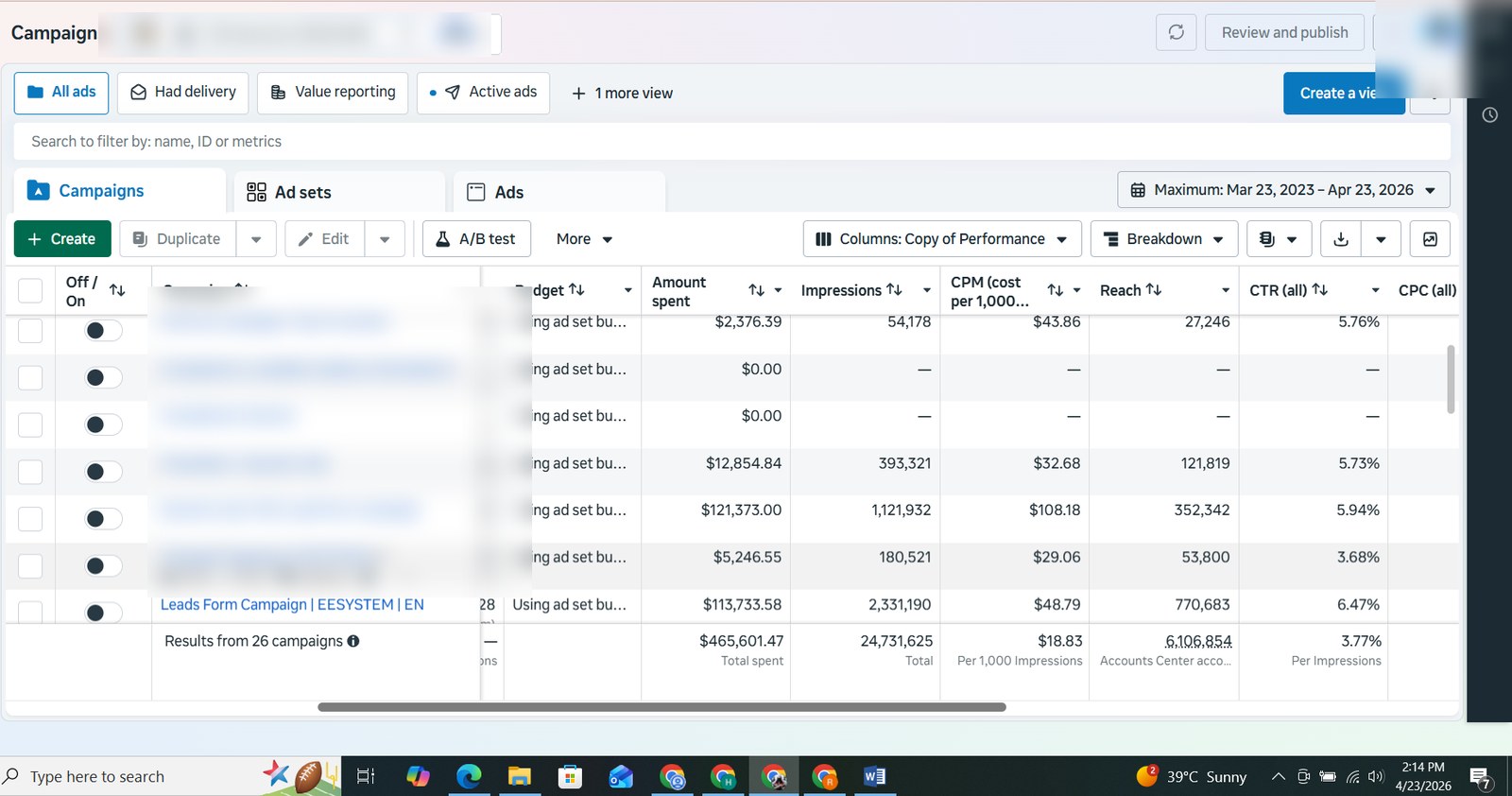
Performance Reporting View
Shows spend, impressions, reach, CPM, CTR and campaign-level performance review.
Campaign Proof
The screenshots below showcase Meta Ads activity across lead generation, local service, website lead and purchase-focused campaigns.
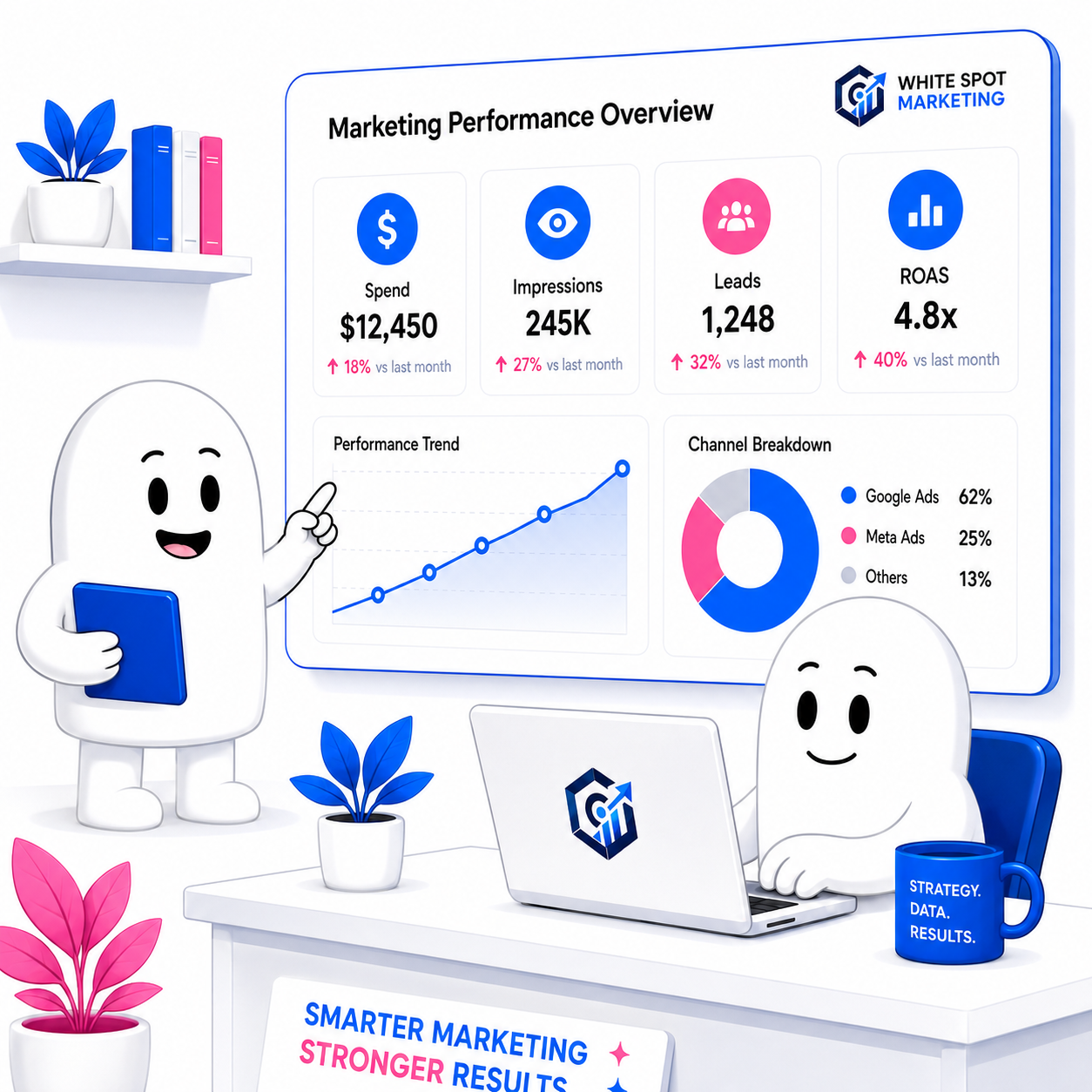
Featured Account Snapshot
The highest-spend account shared was for eesystem.com. This section is organized to make the ad spend and performance data easier to understand at a glance.
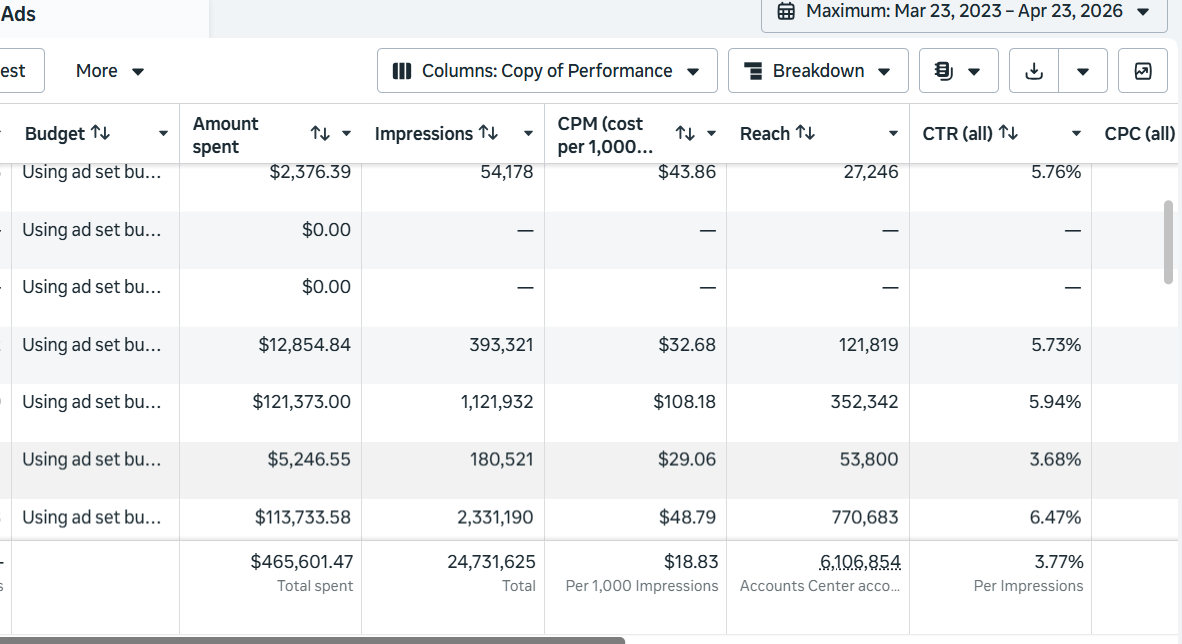
EESystem Results Snapshot
This reporting view shows a large-scale account with multiple campaigns and visibility into spend, impressions, reach and lead generation metrics.
Recommendation: keep client names, IDs and personal profile details blurred when the website goes live.
More Campaign Views
These cards help show variety in campaign management instead of only showing one account view.
Shows spend, impressions, reach, CPM, CTR and campaign-level performance review.
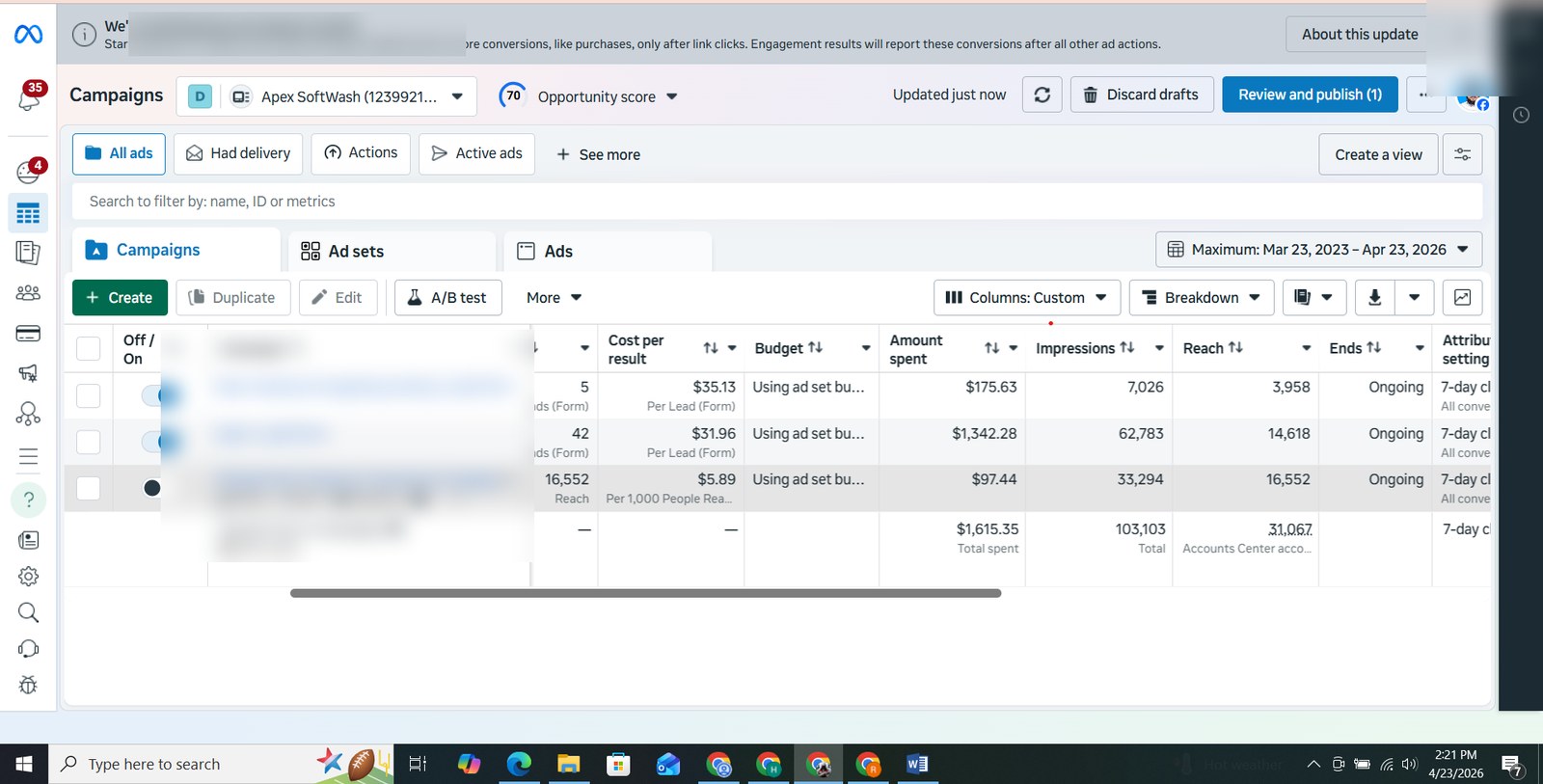
Lead form campaigns with live lead counts and cost-per-lead metrics for service businesses.
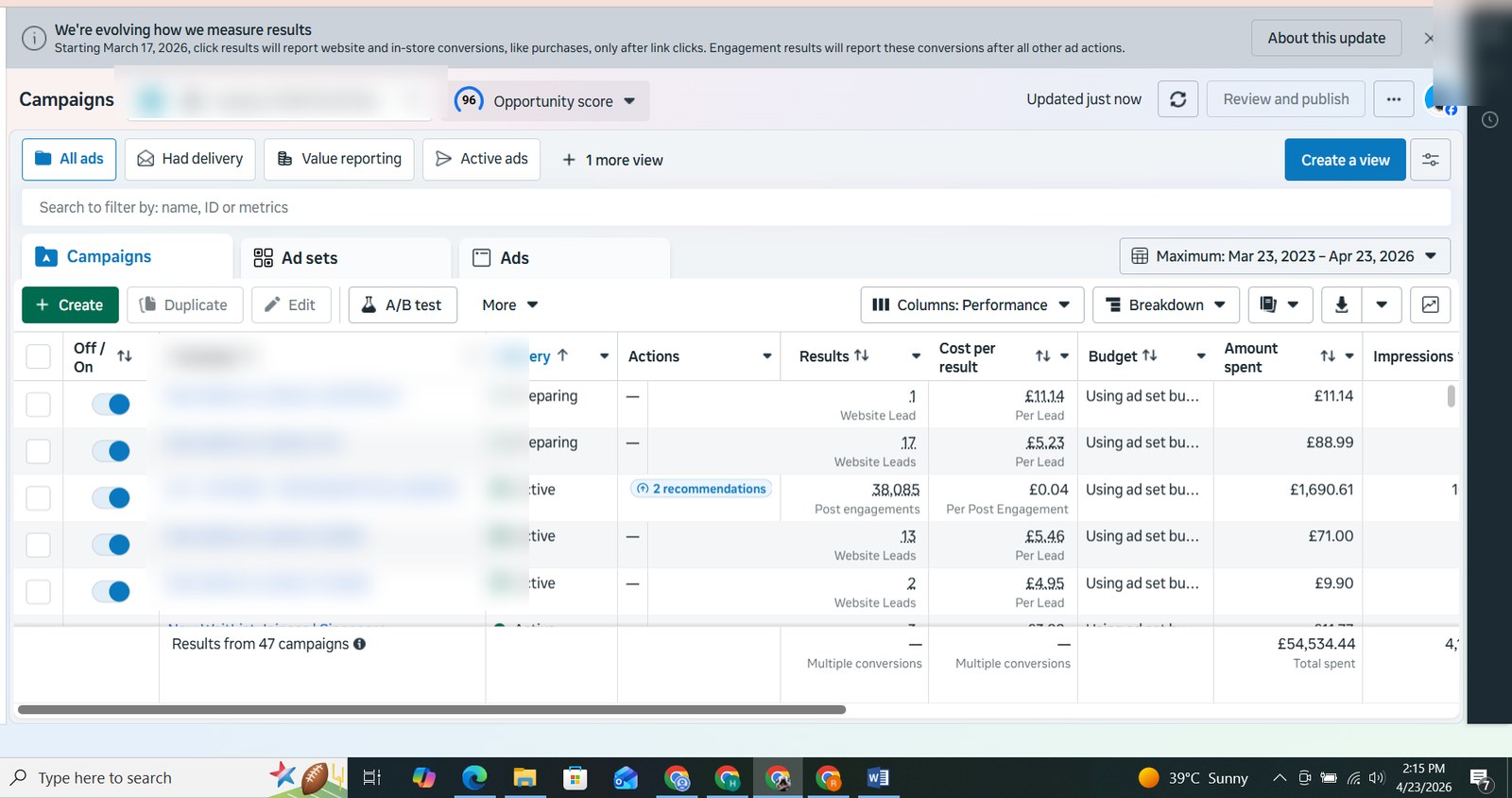
Location-based website lead examples across multiple audiences and regions.
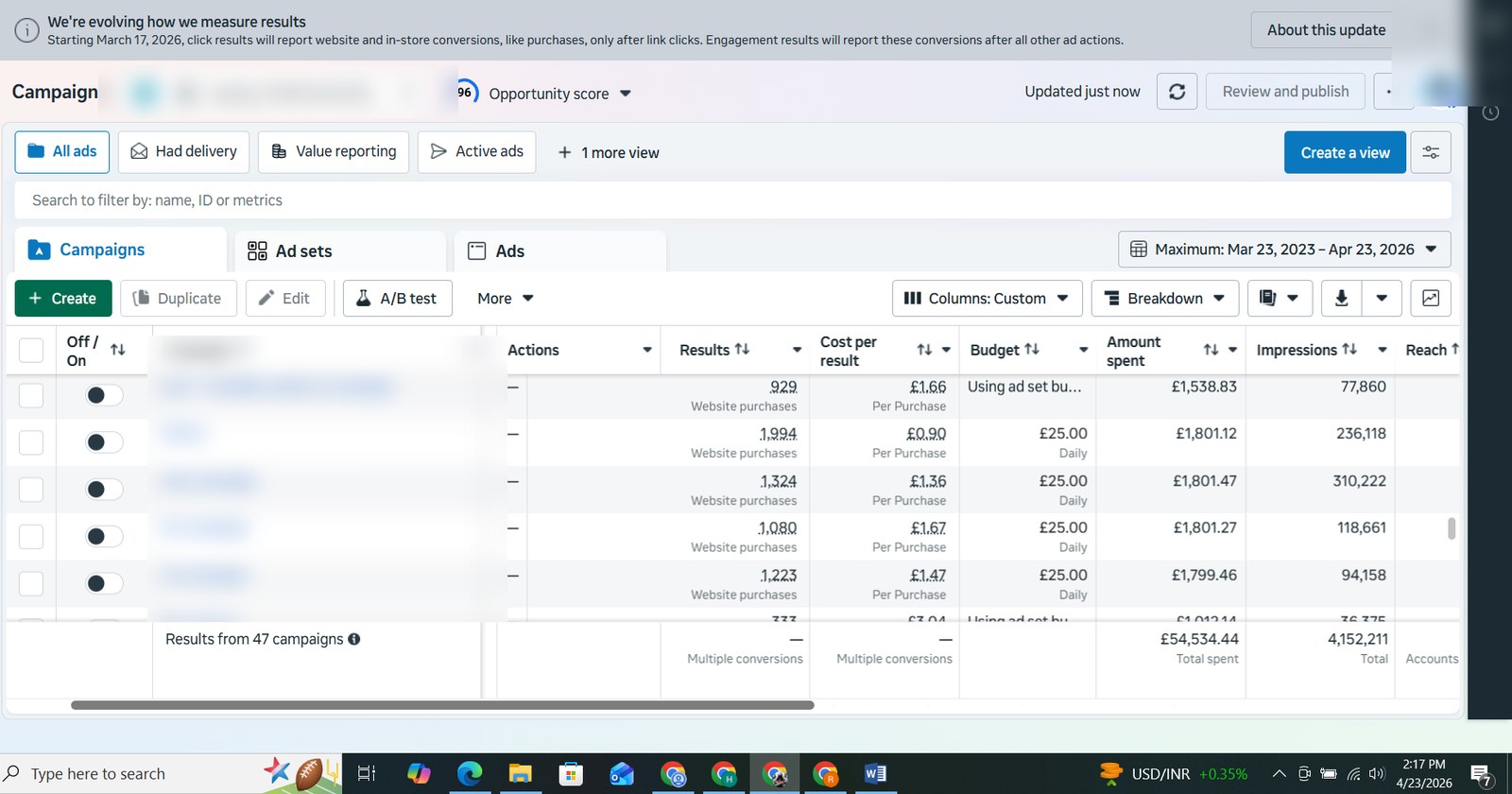
Conversion-focused campaigns showing website purchase results across multiple countries.
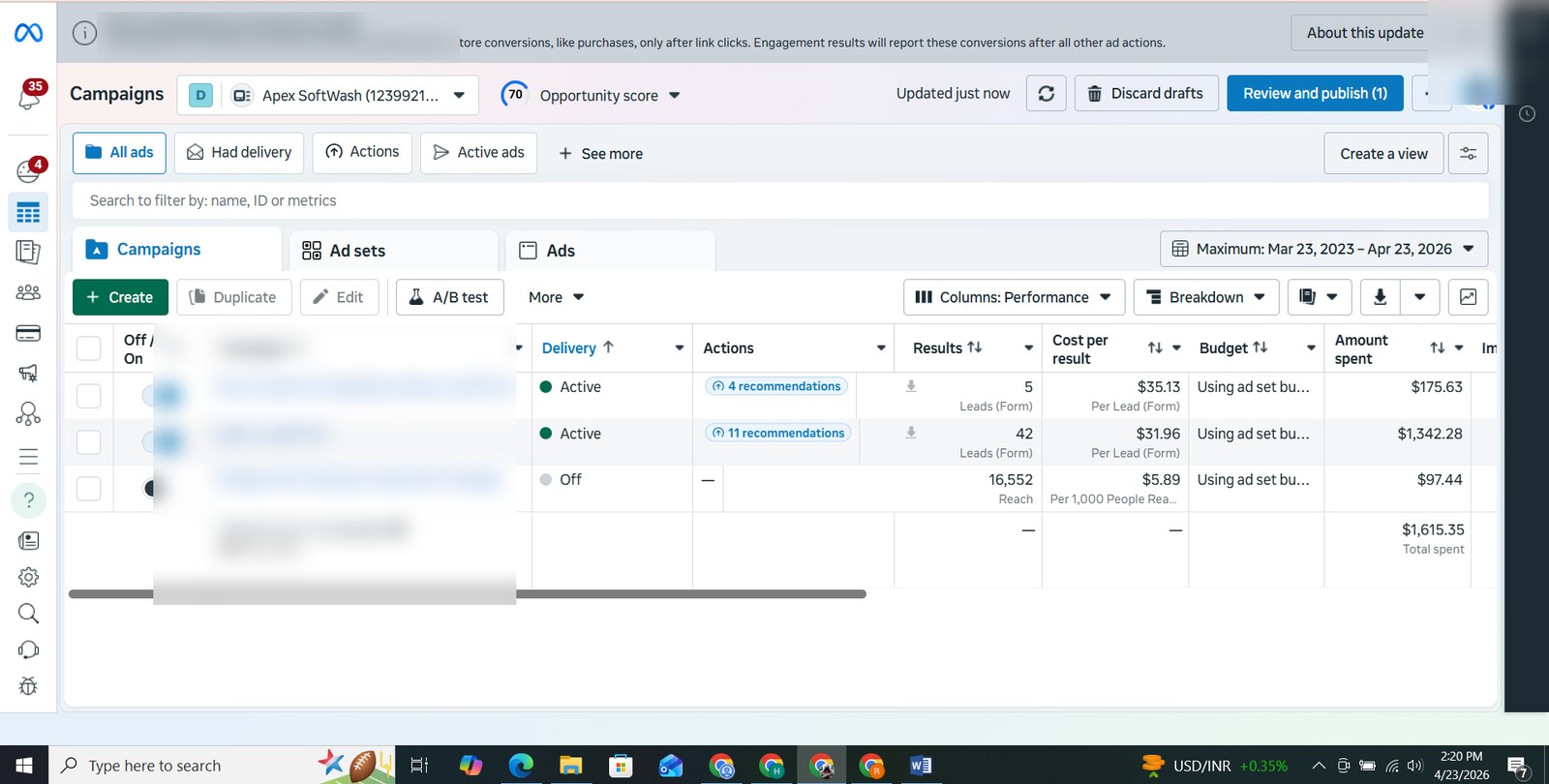
Shows campaign comparison for scaling decisions, reach review and budget analysis.
Clear proof of managing multiple campaigns and analyzing large amounts of spend.
How Data Is Used
Cost per result, lead quality, reach, CTR, CPM, ad creative performance, audience performance, landing page quality and conversion tracking.
Budget allocation, audience targeting, exclusions, creative angles, retargeting flows, offer positioning and campaign structure.